Today you can head out to gather resources in the classic red-and-gold suit, then choose nanotech armor for your next adventure. Iron-Man SkinPack | 20+ adds 25 skins to Minecraft Bedrock: similar looks are grouped together so they’re easier to find in the dressing room. 🦾

From familiar armor to unusual looks 🎮
The Classic group includes six options: Classic Red Gold, Bright Red Suit, Avengers Suit, Far From Home Suit, Chibi Iron Suit, and Pink Suit. Nano and Modern also has six looks, from Nano Suit and Nano Suit Cyan to Dark Red Gold Suit and White Red Suit.
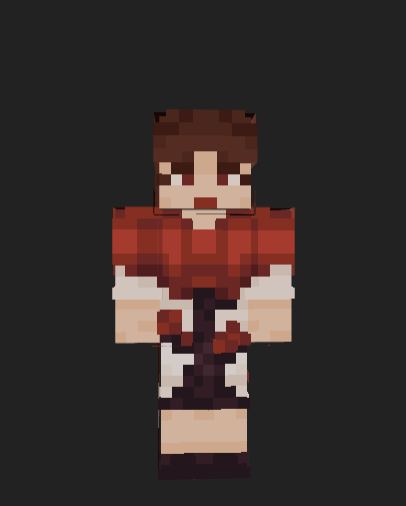
If you want to swap armor for a casual look, check out the Tony Stark group: it has five looks, including Casual, Armored, and Battle Damage. For a heavier feel, there are War Machine, Gray Armor, and two silver suits. In Dark and Special, you can choose Stealth Suit, Ender Suit, Pig Suit, or Villager Suit.

Choosing a skin and importing the pack
All 25 skins use the classic model with wide arms and the standard 64×64 format. The pack also includes a pack icon and an English (United States) language file. The skins are free to use.
- Download the file
.mcpackand open it — Minecraft Bedrock will import the pack automatically. - In the game, open Dressing Room, then Owned / Classic Skins.
- Choose Iron-Man SkinPack | 20+ and find a look that suits you.