Standing at the edge of a ravine and wondering how to get to the other side without climbing down toward the lava? With Pathways, just place the start and end of the bridge—the span between them appears automatically. You can create a route across a dangerous area and choose a bridge that suits the style of your build.
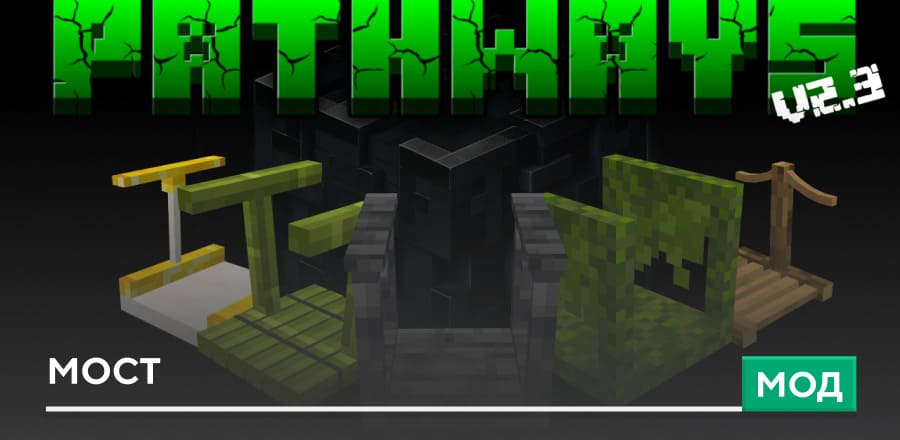
A bridge to match your build 🌉
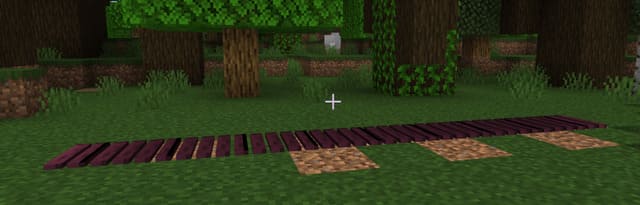
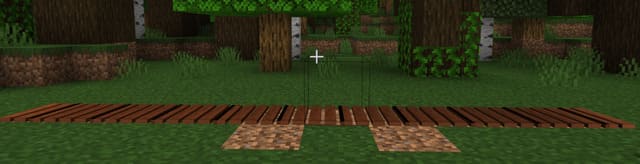
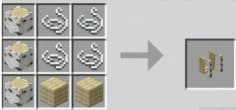
For a wooden village, choose an oak, dark oak, spruce, or birch bridge. If nearby houses use another type of wood, try acacia, jungle, mangrove, or cherry wood. There are also warped and crimson bridges for Nether builds.
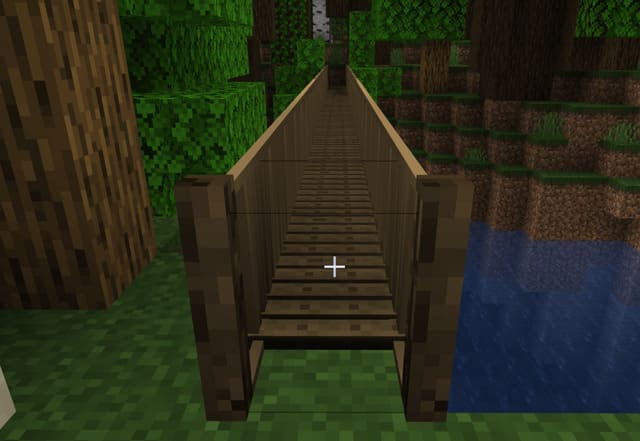
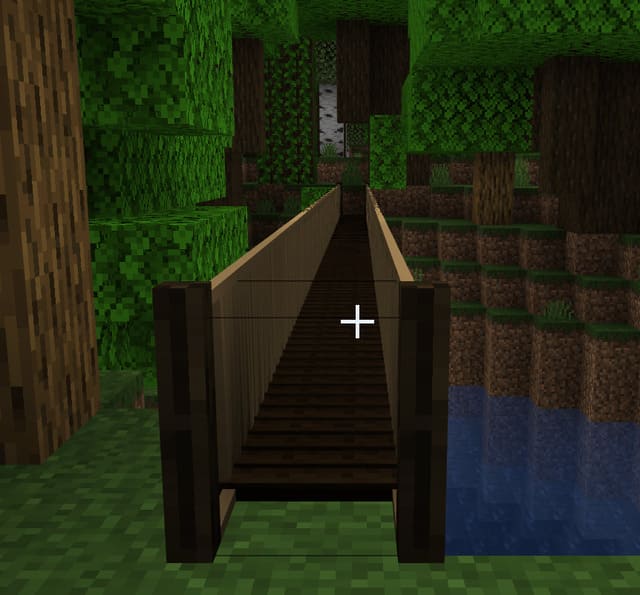
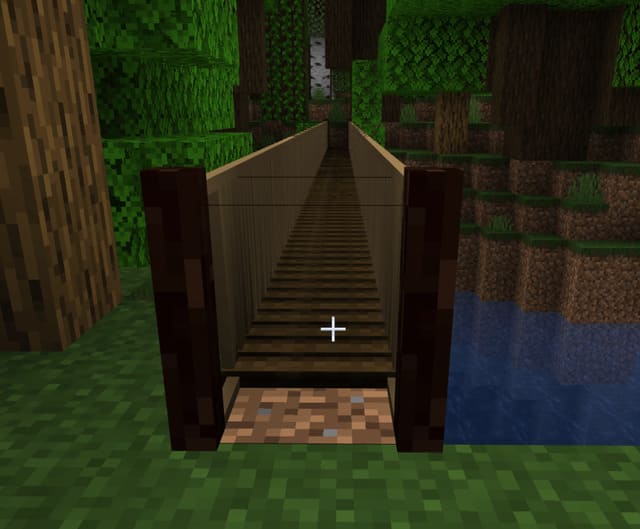
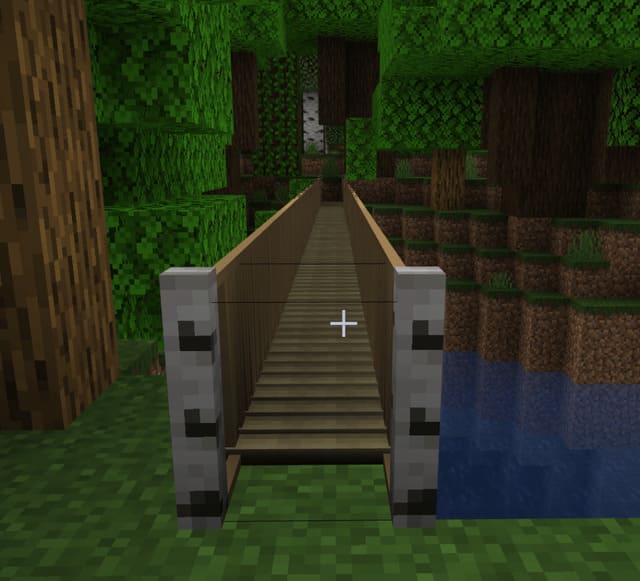
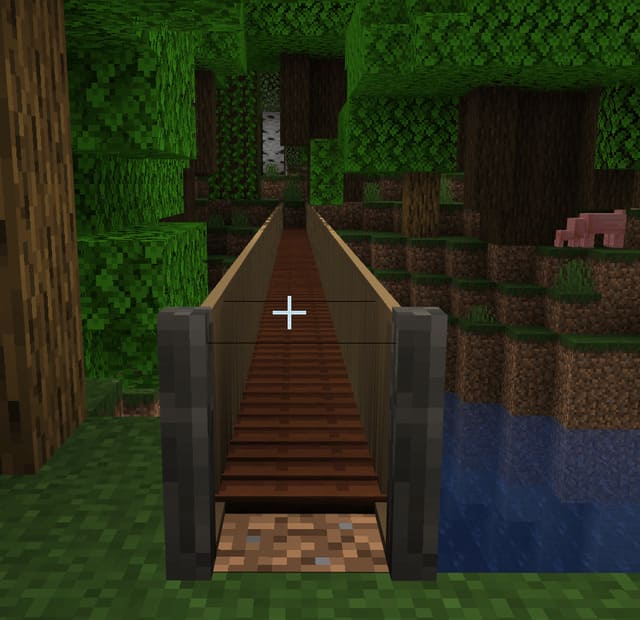
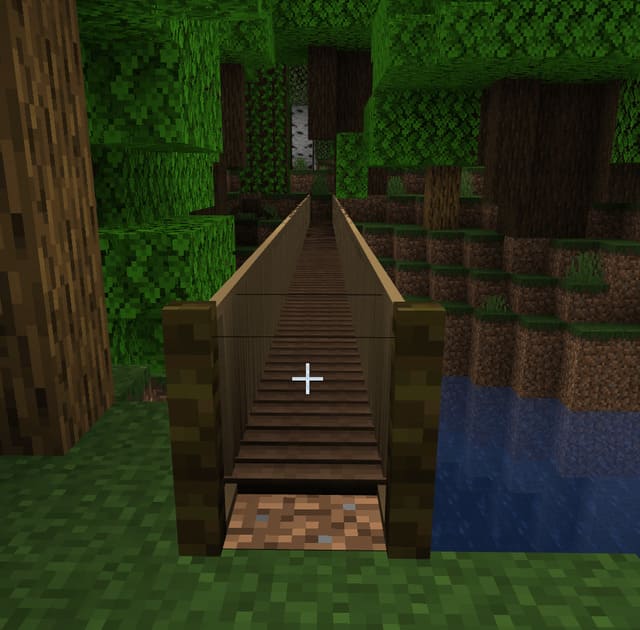
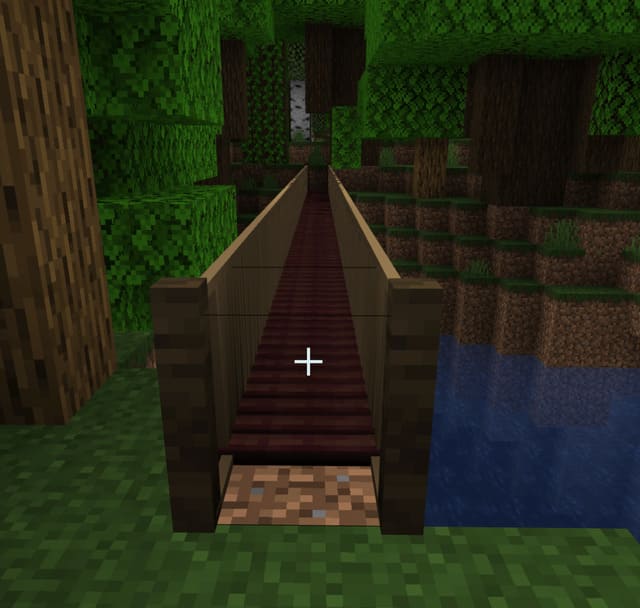
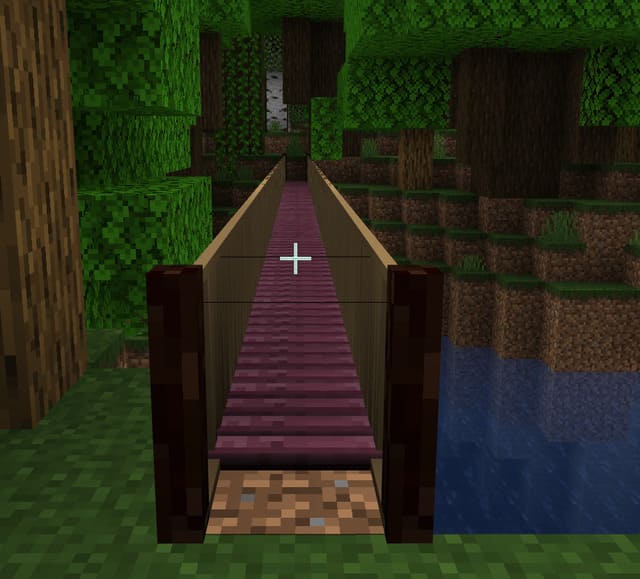
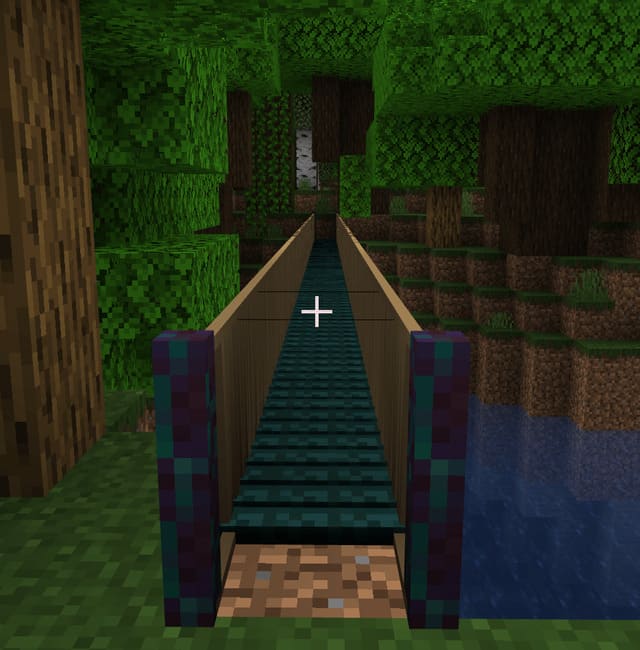
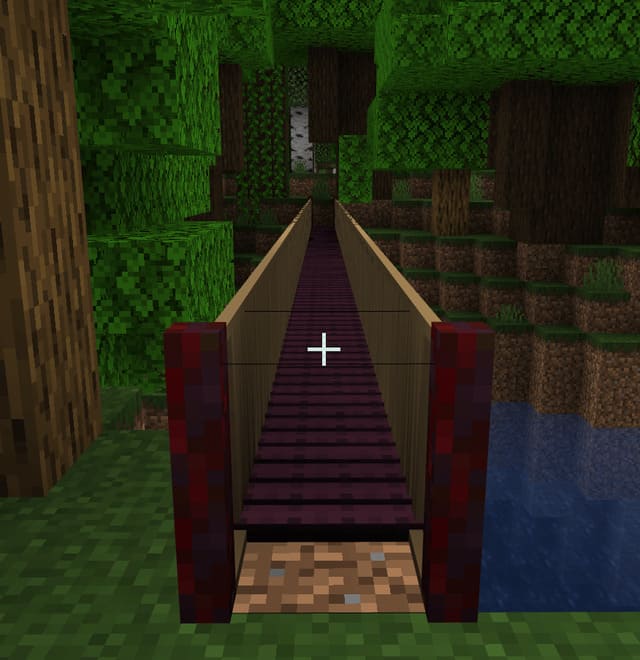
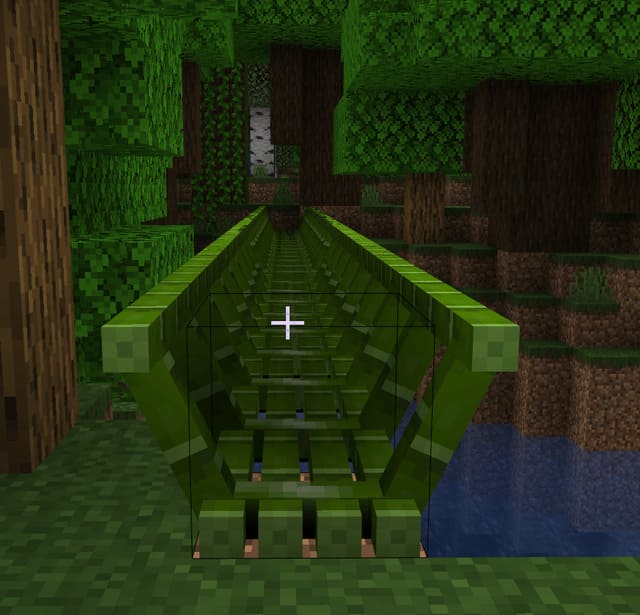
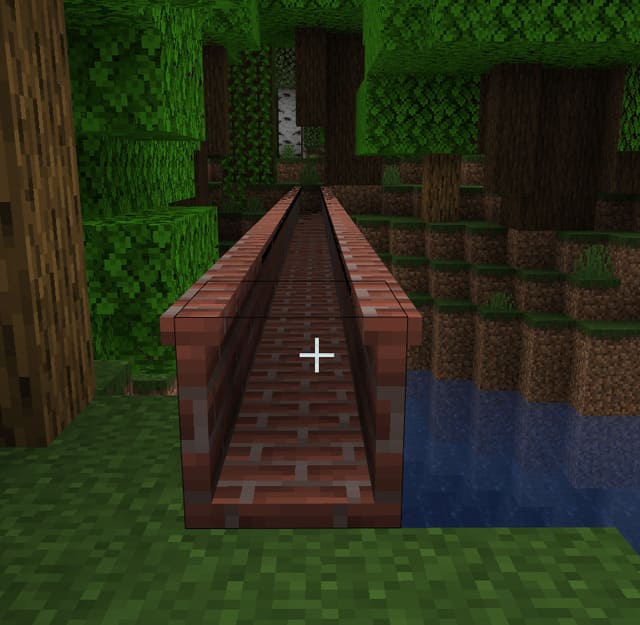
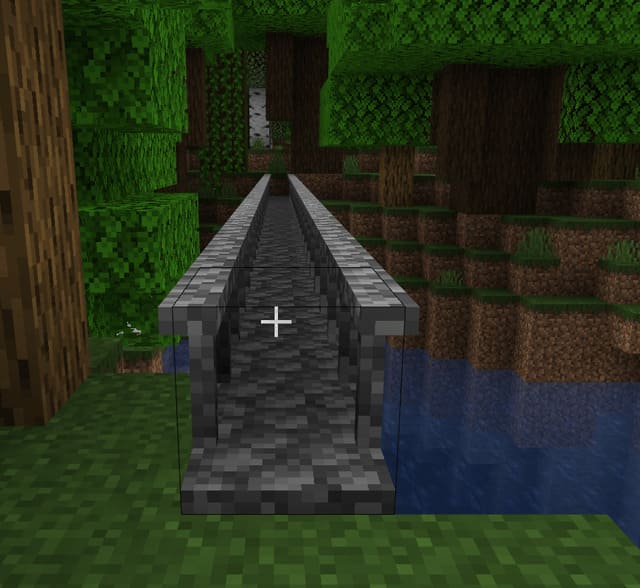
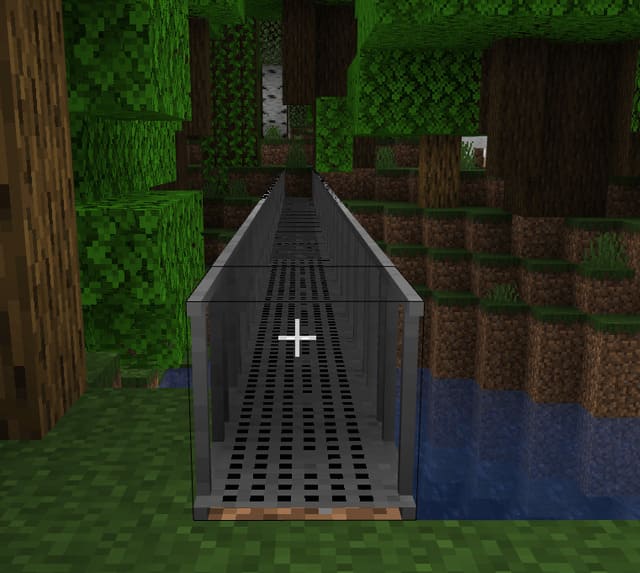
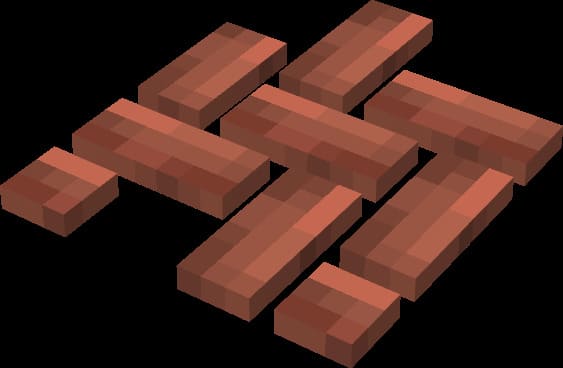
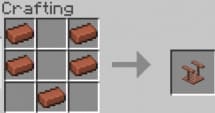
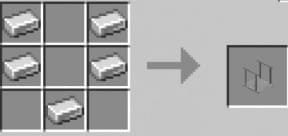
For a sturdier crossing, choose a brick, stone, or metal option. The bridge can be any length, but making the span too long is not recommended.
Paths and slabs 🧱
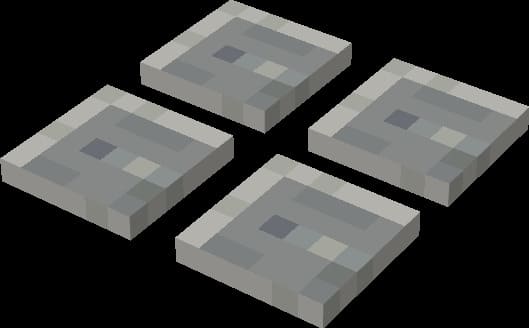
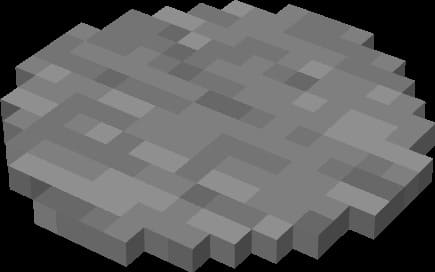
Besides bridges, the pack includes road slabs made of wood, brick, andesite, and stone. Use them to decorate a path by the crossing or connect the bridge to roads and buildings.
Getting items and settings 🎮
Before playing, enable experimental options in the world settings. To get item sets with commands, use:
/function all_bridges— all bridge types./function all_paths— road slabs./function all— everything at once.
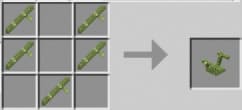
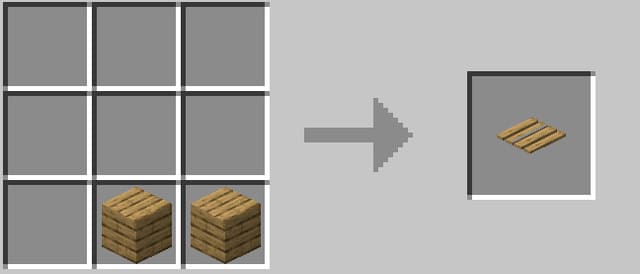

The new version fixes bugs. Choose a spot for your crossing, place its start and end, and complete the route with suitable slabs.