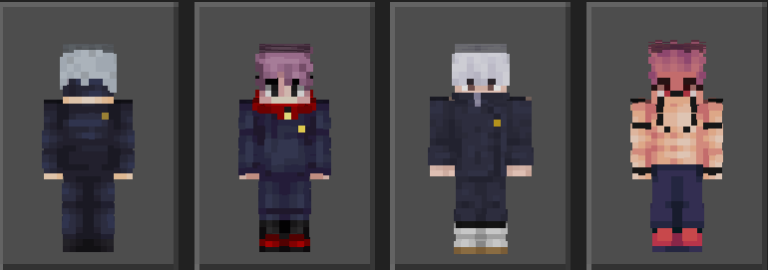
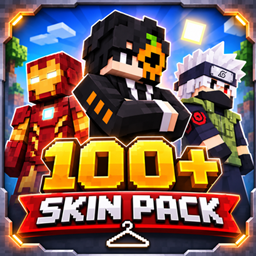
Today you head out to explore caves wearing a ninja mask; tomorrow you build a castle in a crown and fancy suit. 100+ Ultimate Skin Pack brings together 109 skins in one collection for Minecraft Bedrock and MCPE — choose a look to match your mood and change it from the character selection menu. 🎮
From heroes to hoodie wearers
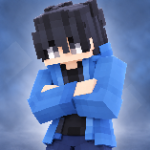
The collection includes anime-style looks, superhero and warrior outfits, dark characters, ninja masks, as well as hoodies, streetwear, and gaming outfits. For a royal look, check out the skins with crowns and suits; if you want bright colors, try the neon and themed options. The palette includes red, blue, green, purple, and black.
This is one classic pack: there’s no need to install skins individually. The textures are 64×64 resolution. The pack changes only your character’s appearance and adds no weapons, abilities, mobs, or game mechanics. 🥷
How to choose a skin
- Download the pack file in
.mcpackformat. - Open the downloaded file with Minecraft Bedrock.
- Allow the game to import the pack.
- Open Dressing Room and go to Classic Skins.
- Find the 100+ Ultimate Skin Pack collection, choose a skin, and equip it.
The pack is intended for Minecraft Pocket Edition on Android and iOS, Bedrock Edition on Windows, and other Bedrock platforms that support imported skin packs. You can play in a single-player world and in compatible online modes. In multiplayer, custom skins are available if the server allows them; how they appear also depends on the platform and Minecraft settings. 👑