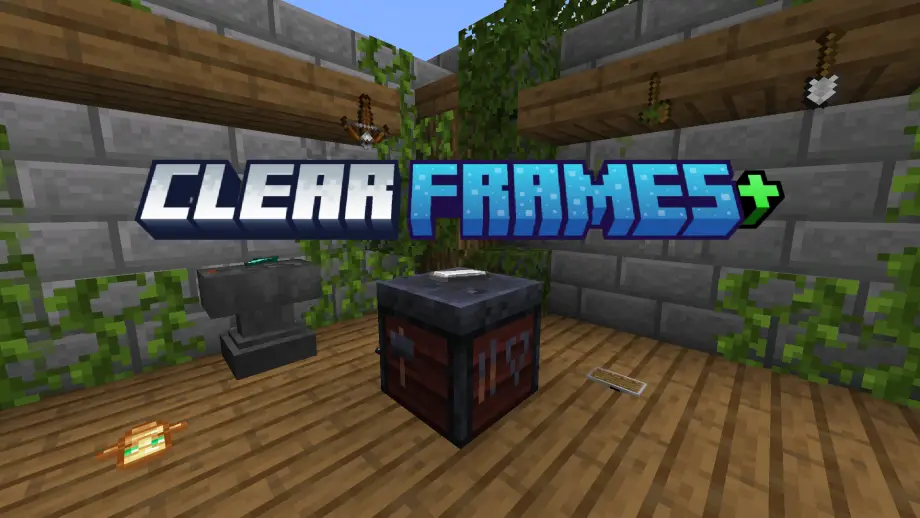
Style your item wall so the items seem to float beside the workbench, or leave the frames visible as part of the decor. Clear Frames+ changes the visibility of regular and glow item frames in Minecraft Bedrock: choose one of three options to suit your build. 🖼️
Three Ways to Style Your Display
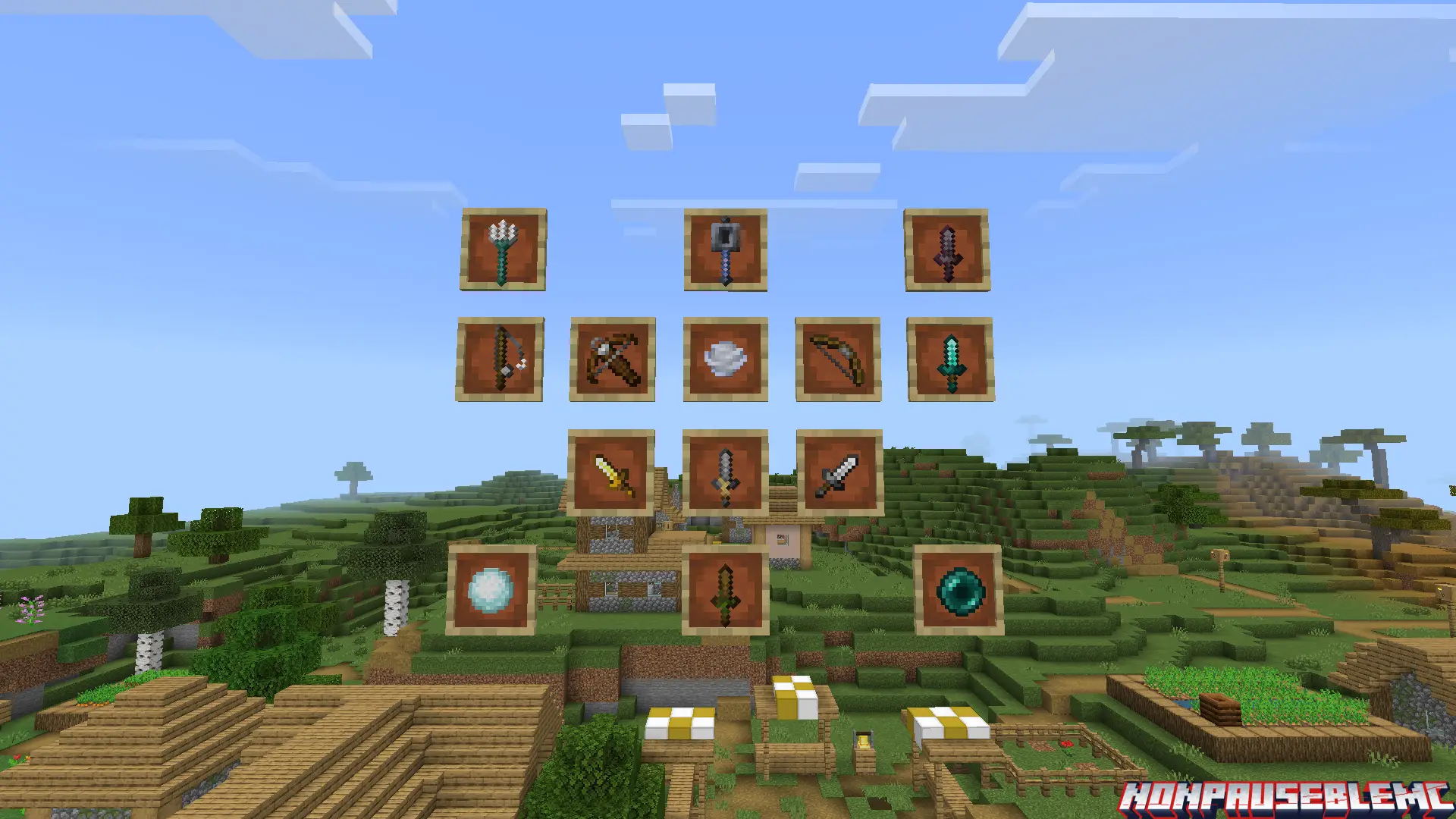
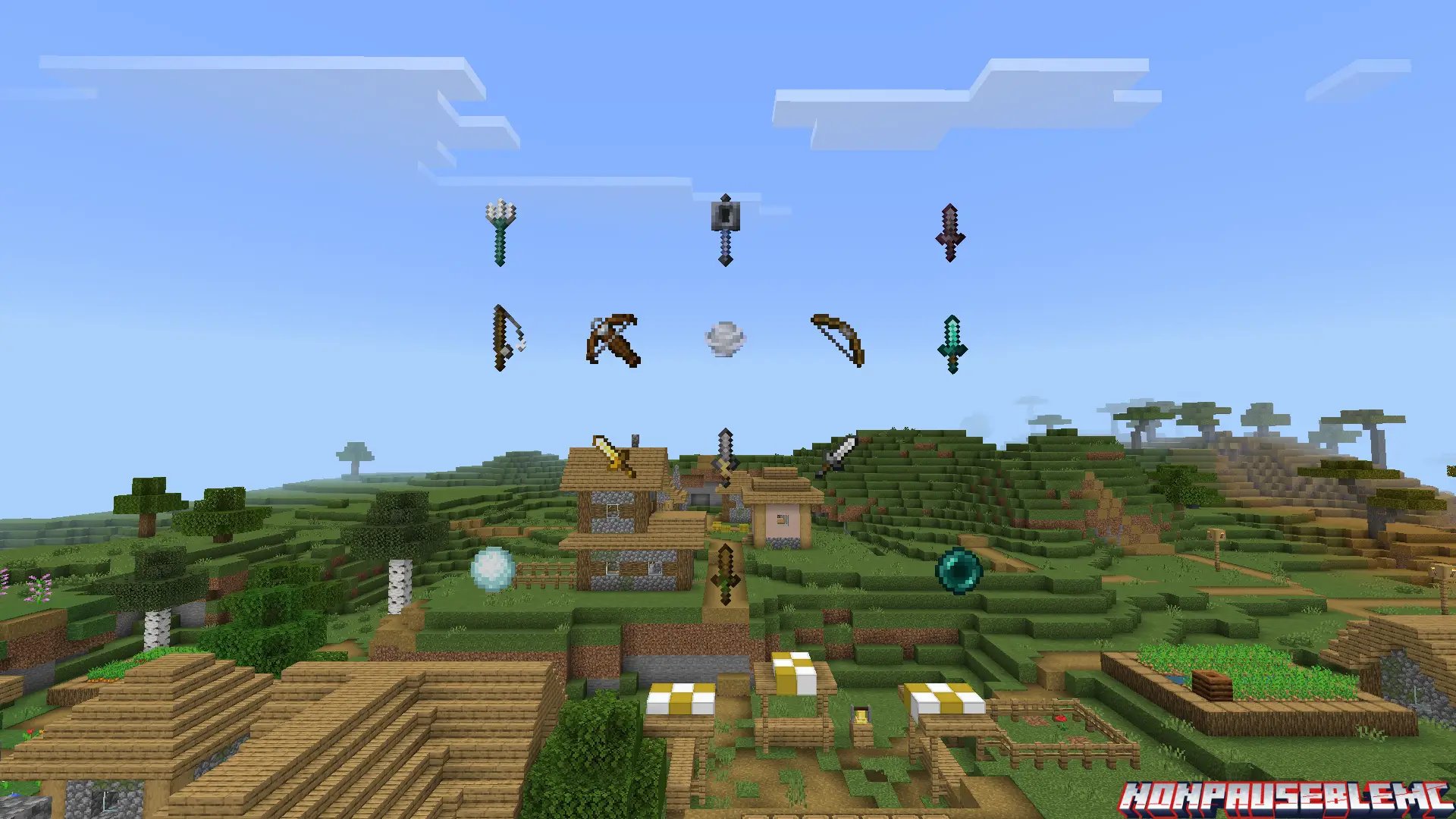
In the subpack Both Visible both types of frames remain fully visible—ideal if you like the familiar look of item displays. Want only the items themselves to be visible? Choose Invisible Glow Only: regular frames stay visible while glow frames become invisible.
For a different combination, there’s Invisible Normal Only: regular frames become invisible while glow frames stay visible. This lets you choose a look for a room, workshop, or weapon and tool display. 🛠️
Choose a Look for Your World
Try different options on an item wall and see which one best suits the interior. If you’re building a display in a village, you can set frame visibility to match the build’s overall design. The pack is for builders and anyone who likes customizing how items appear in the world.
Compatibility and Versions
Clear Frames+ v1.0.3 is listed as supporting Minecraft 26.0–26.13; this version also improves invisible frame behavior and compatibility with supported versions. The v1.0.2 update history lists support for versions 1.19.0–1.21.113. 🎮