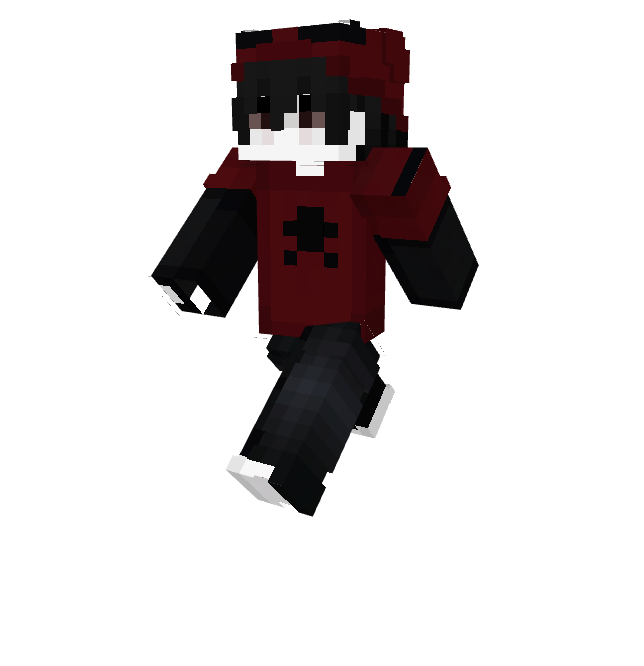
Want to roam your world as a stealthy ninja? ShadowStrike changes your character’s look with silver hair styled in voluminous spikes, a black jacket with dark red trim, and a blue emblem on the chest that set the mood right away. 🥷
Voluminous Details and Contrasting Colors 🎮
The skin features red markings on the face and striking red eyes. The look also includes gray gloves, tactical boots, and glowing blue stripes on the wrists. 3D shoulder pads protrude from the shoulders, while a scarf tail hangs down at the back. The extra parts are made with 3D geometry and extend beyond the model.
The main texture has a resolution of 256×256 and includes extra shading and fabric details. A 128×128 version is also included for devices that don’t support 256×256. If the HD version won’t load, use the 128×128 version.
How to Choose a Skin in Bedrock
ShadowStrike is designed for Minecraft Bedrock Edition: Pocket Edition, Windows 10/11, and consoles. To install it, follow these steps in order:
- Download the file
.mcpack. - Tap or open the file—Minecraft will import the skin.
- Go to Profile, then Dressing Room and open Owned Skins.
- Select ShadowStrike.