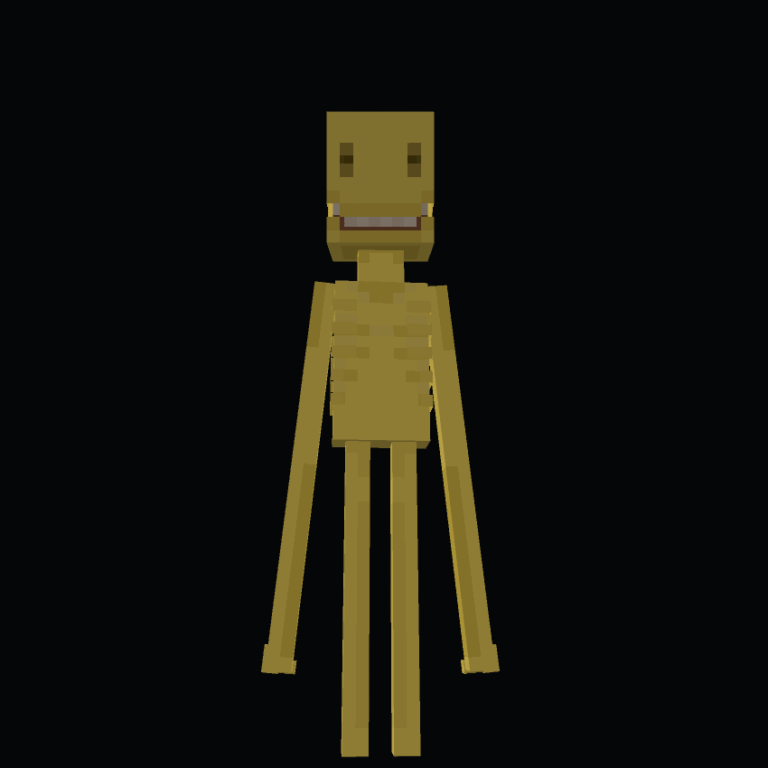
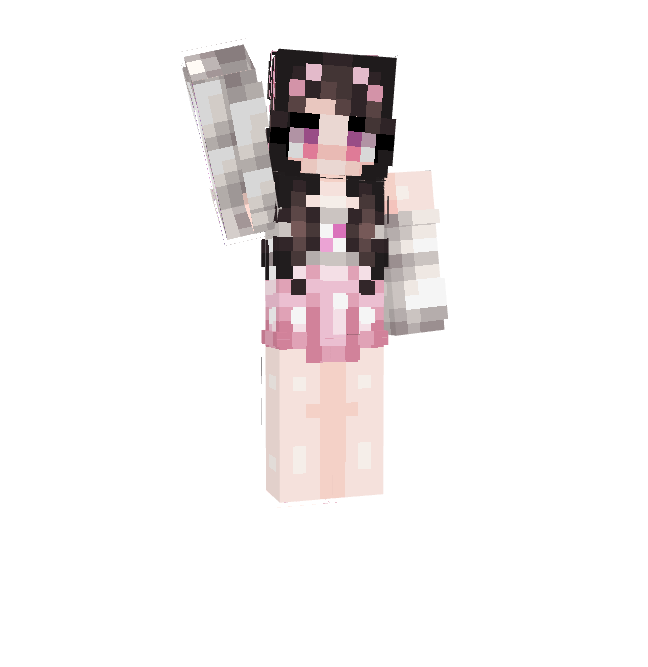
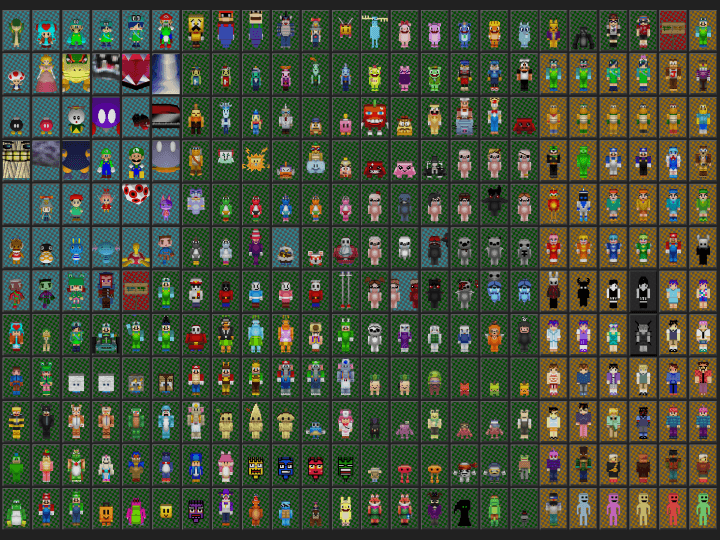
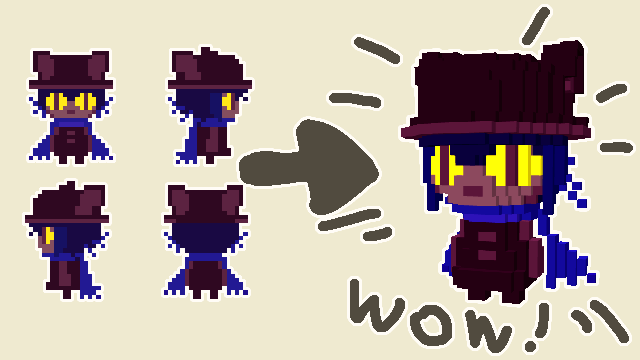
Want your character to look like pixel art brought to life in 3D? This Minecraft Bedrock pack builds 4D skins from voxels—three-dimensional pixels. 🧊
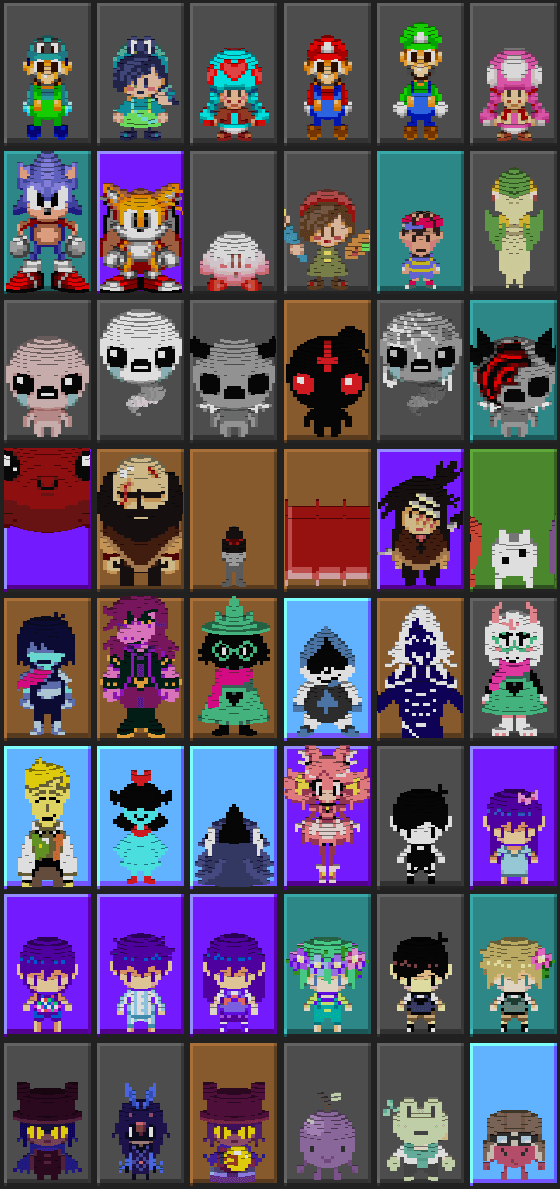
Pixel art with depth 🎮
The skins are based on pixel art transformed into voxel shapes. Choose this look if you want to give your character an expressive 3D style.
Check the requirements before installing 🛠️
First, download the skin pack from Marketplace 1st Animal Friends: this pack overwrites it when used. It doesn’t work on The Hive server. If you simply open the file .mcpack to install it, the pack will look strange: it needs to be unpacked manually.
First, rename the file from .mcpack to .zip, then unpack it. The instructions for both platforms require deleting all files from the folder skin_packs, so other saved skin files will disappear from there too.
Installation on iOS or Windows
- On iOS, open the Files app and go to
On My iPhone => Minecraft => internal => premium_cache => skin_packs. Delete all files inskin_packs. - On Windows 10 or 11, press
win+R, then paste%appdata%\Minecraft Bedrock\premium_cache\skin_packsand start the path. Delete all files inskin_packs. - On the selected device, rename the pack file to ZIP, extract it, and move the extracted files into the folder
skin_packs.
Additional instructions are in the file readme_en.txt inside the folder. Do not distribute the pack file itself; share the CurseForge link.